Every feature, in about a minute.
13 short walkthroughs, recorded in the real product — from sending a voice note to routing chats across team inboxes to running your whole workspace from Claude. Watch one, go do it. The whole library is 15 minutes.
Nothing plays until you press play — no YouTube cookies before then.
Talking to customers
Everything that happens inside a single thread — attachments, voice, quotes, translation, and the social replies that start elsewhere.
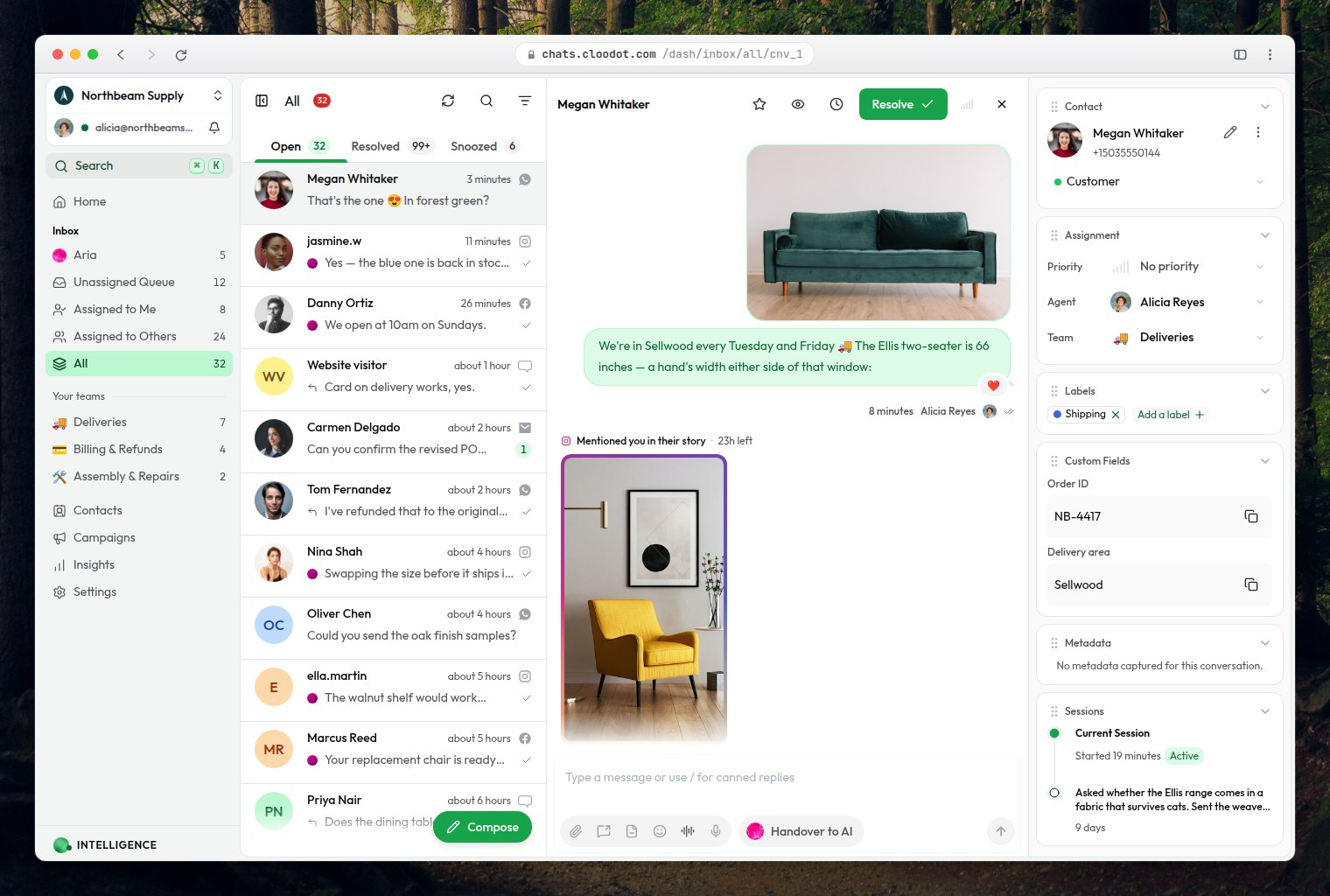
Instagram & Facebook story mentions and replies
Story mentions and story replies land in the same thread as the rest of the conversation, with the story itself attached for context.
Watch on YouTube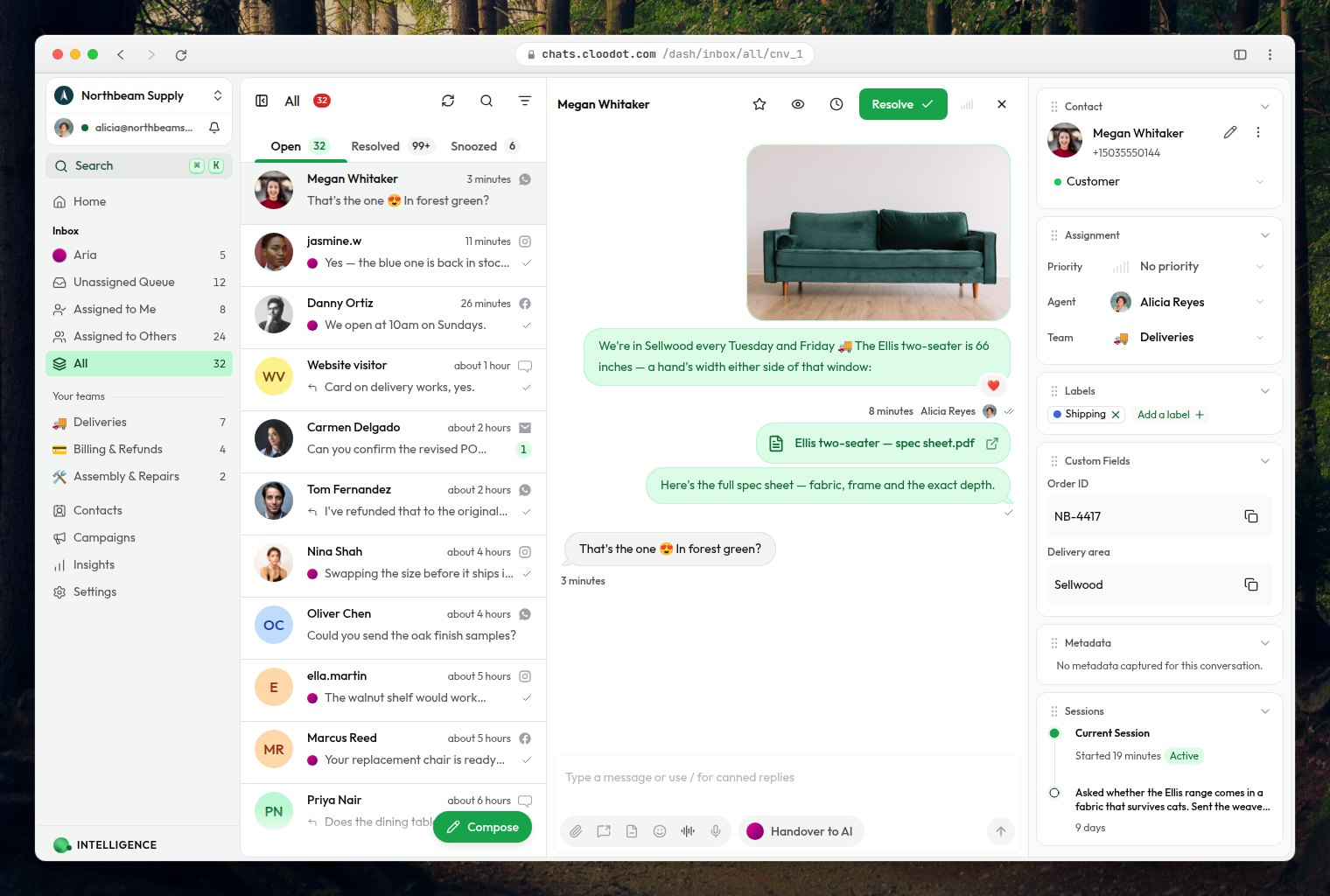
Send custom files in a customer chat
Attach a PDF, an invoice, a spec sheet or an image to a reply without leaving the thread.
Watch on YouTube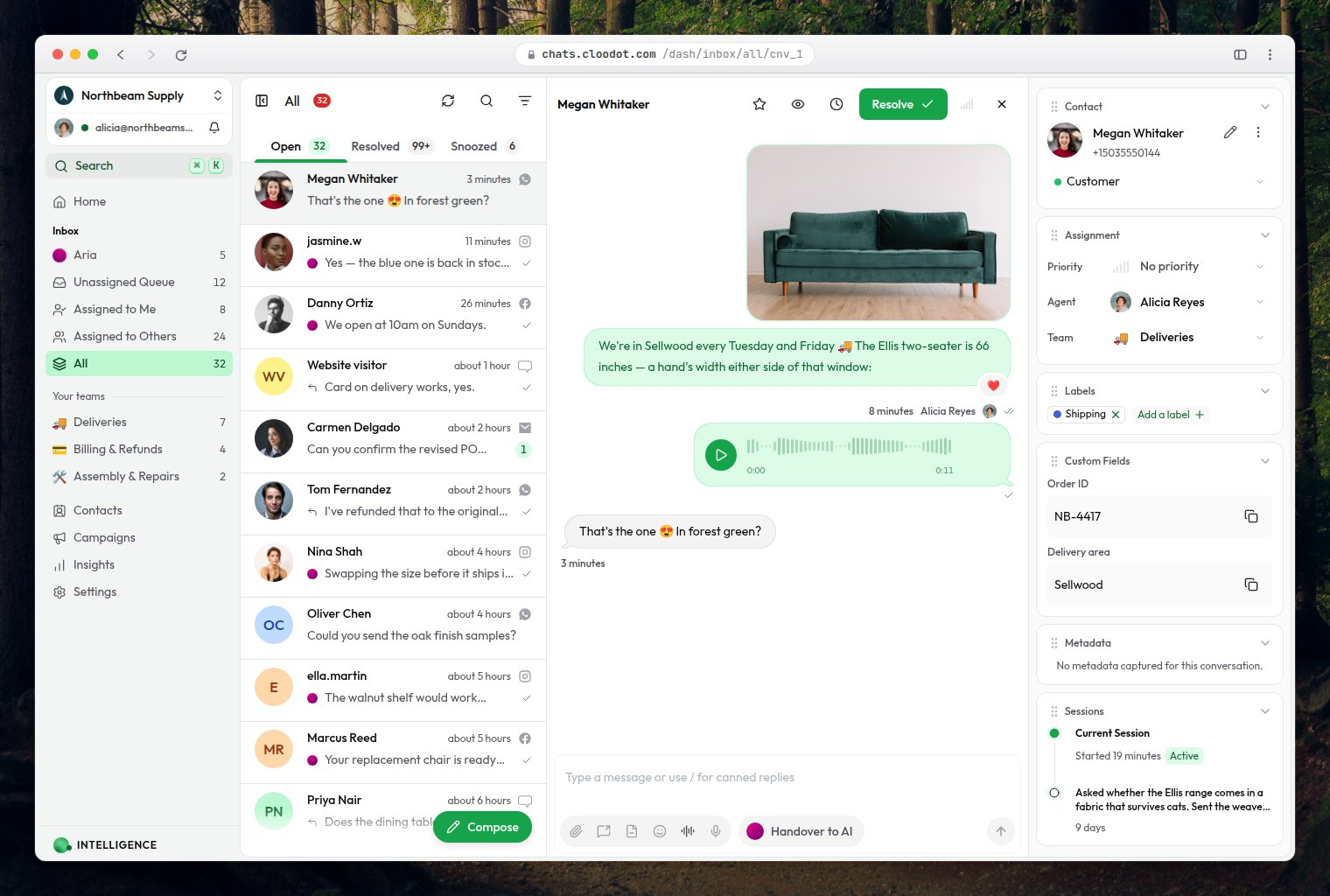
Send voice notes to customers
Record and send a voice note straight from the composer, for the answers that are faster spoken than typed.
Watch on YouTube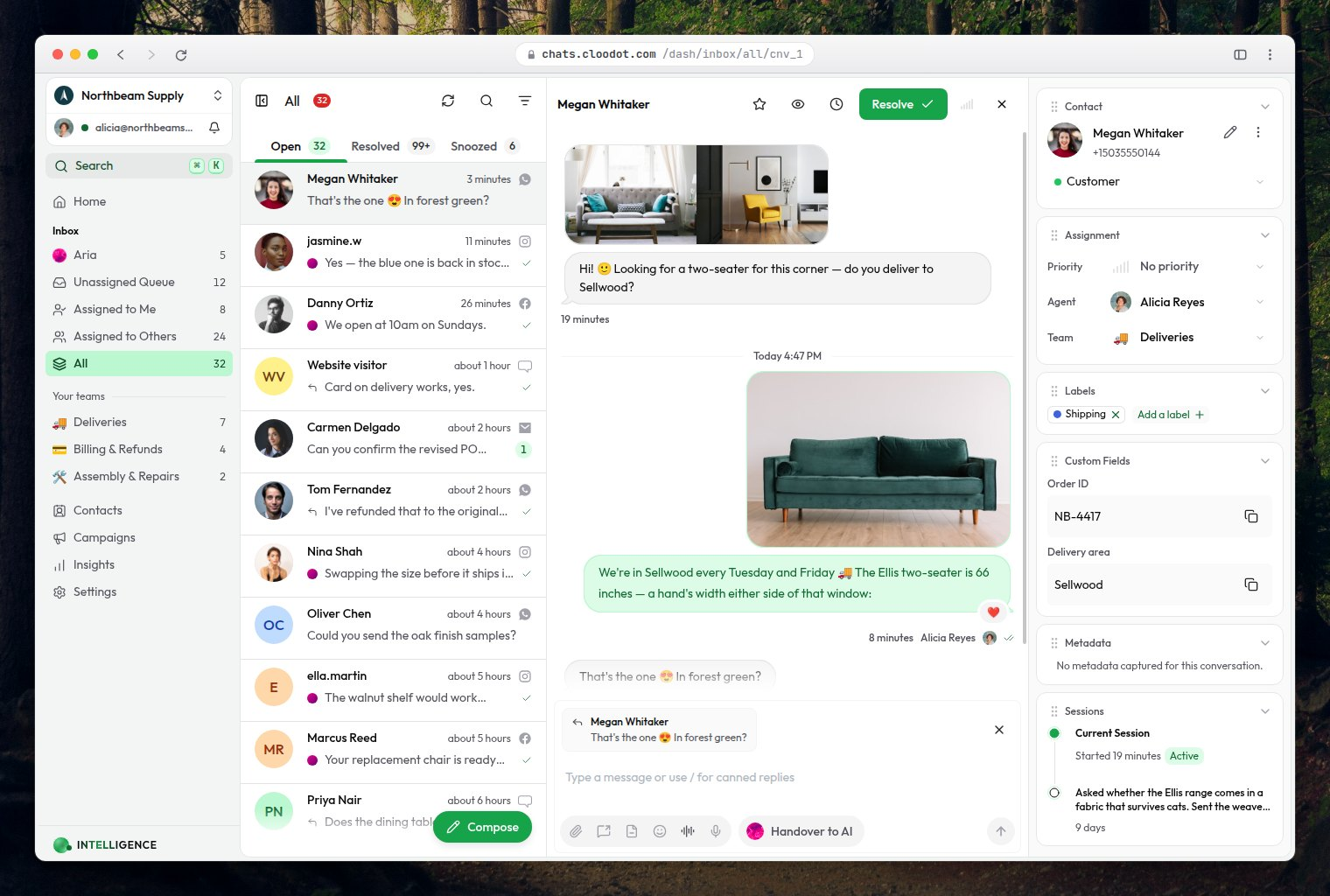
Quote reply to a customer message
Reply against a specific message so the customer sees exactly which part of a long thread you are answering.
Watch on YouTube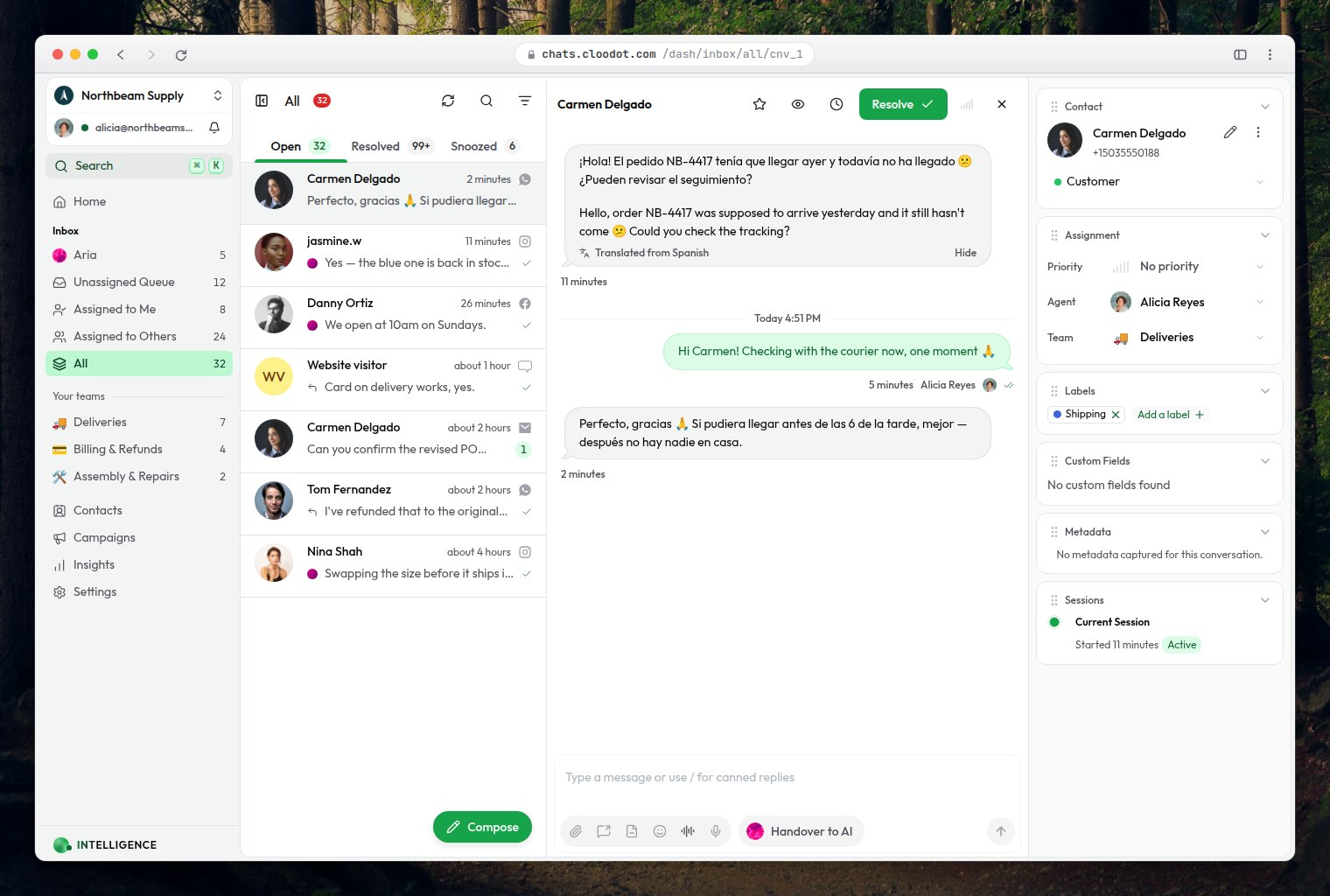
Translate a customer's message
Translate an incoming message in place, so a thread in another language stays readable to whoever picks it up.
Watch on YouTube
Running the inbox
Routing, priority, filters, snoozes, and bulk actions — the controls that keep a busy tray from turning into a backlog.
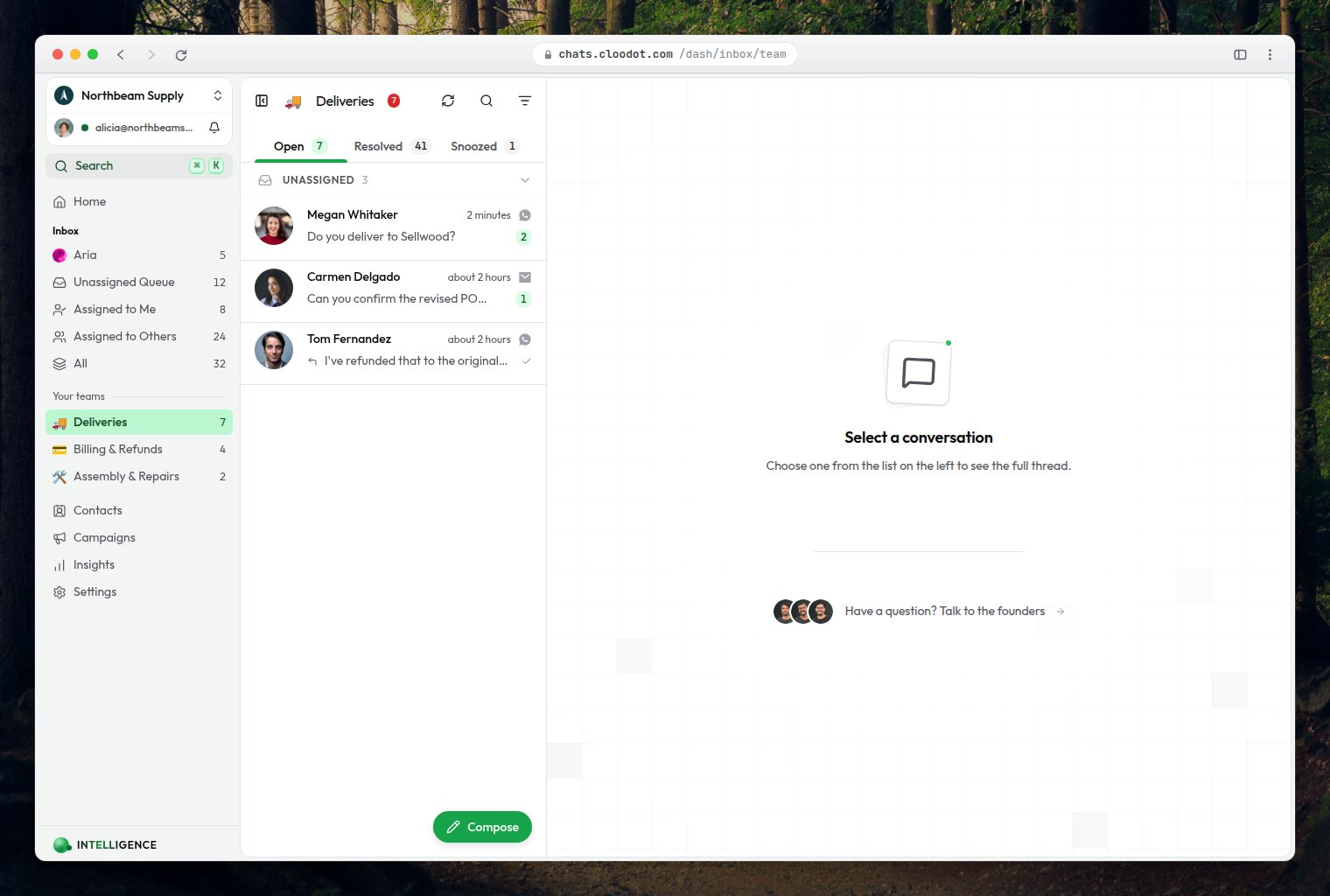
Set up and route chats to team inboxes: AI + manual
Create team inboxes and let the AI route each conversation to the right one — with manual reassignment when you want the last word.
Watch on YouTube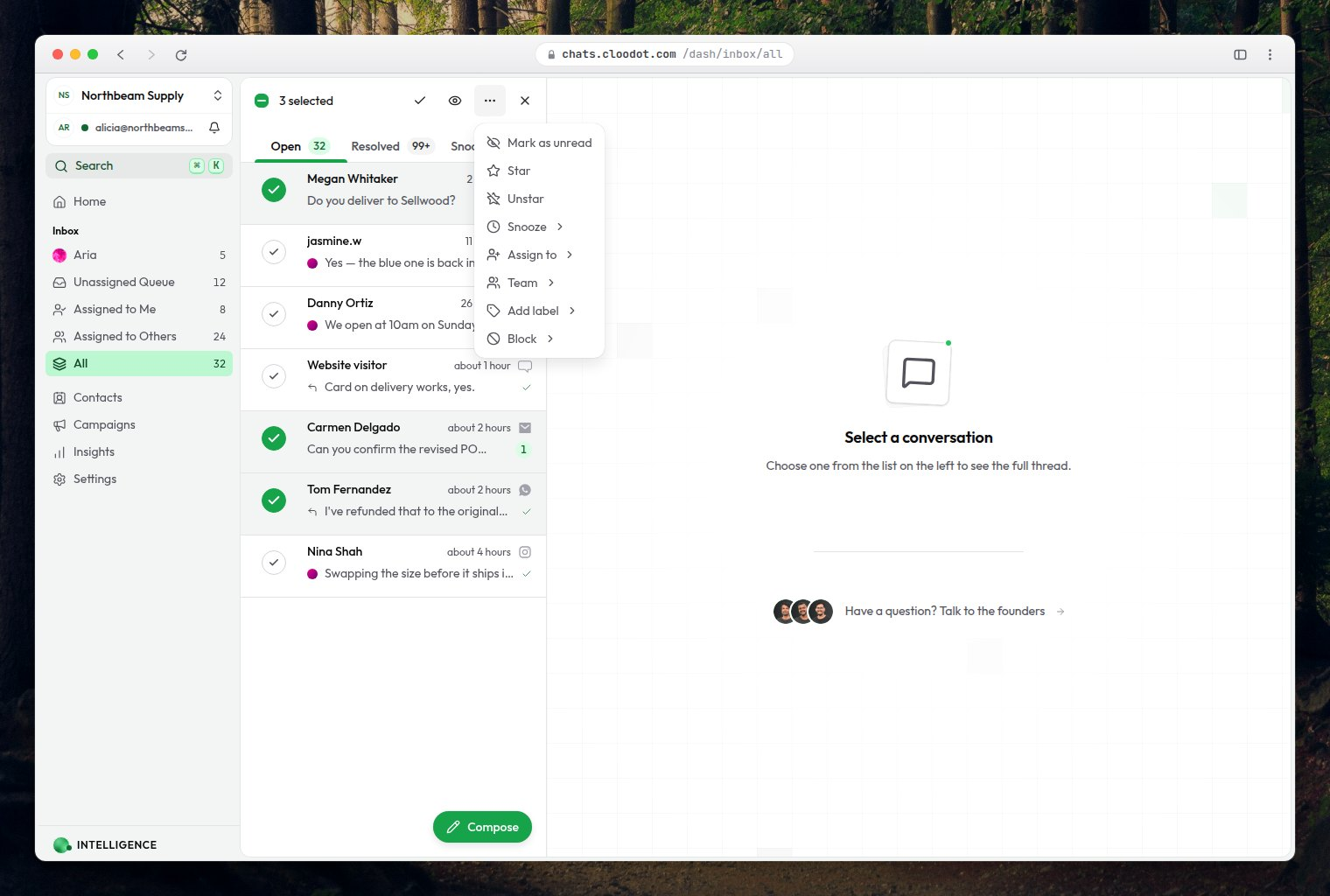
Take bulk actions
Select many conversations at once to assign, label, resolve or close them in a single pass.
Watch on YouTube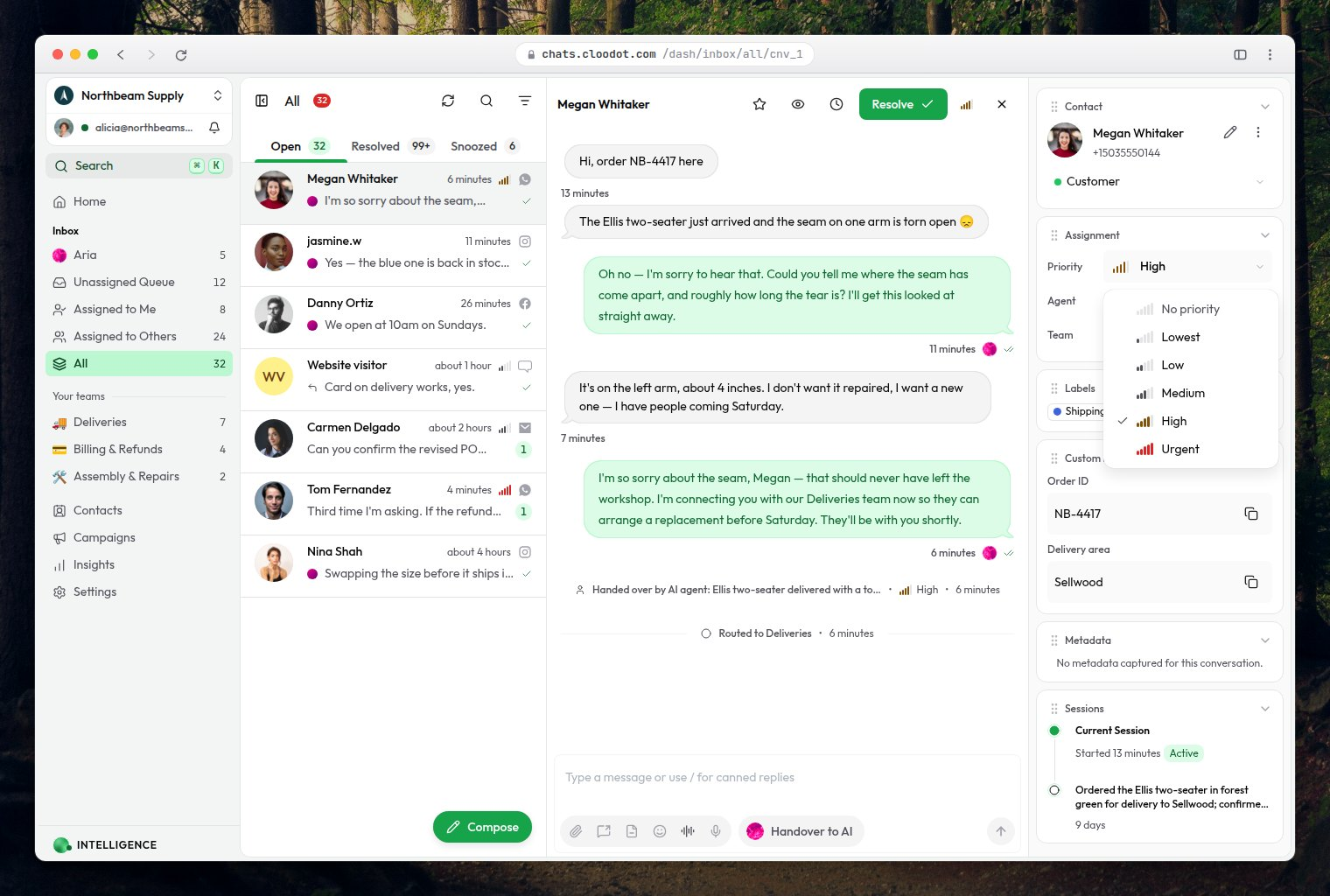
Assign priority on a chat: AI + manual
Let the AI set priority from what the customer actually said, and override it by hand when you know better.
Watch on YouTube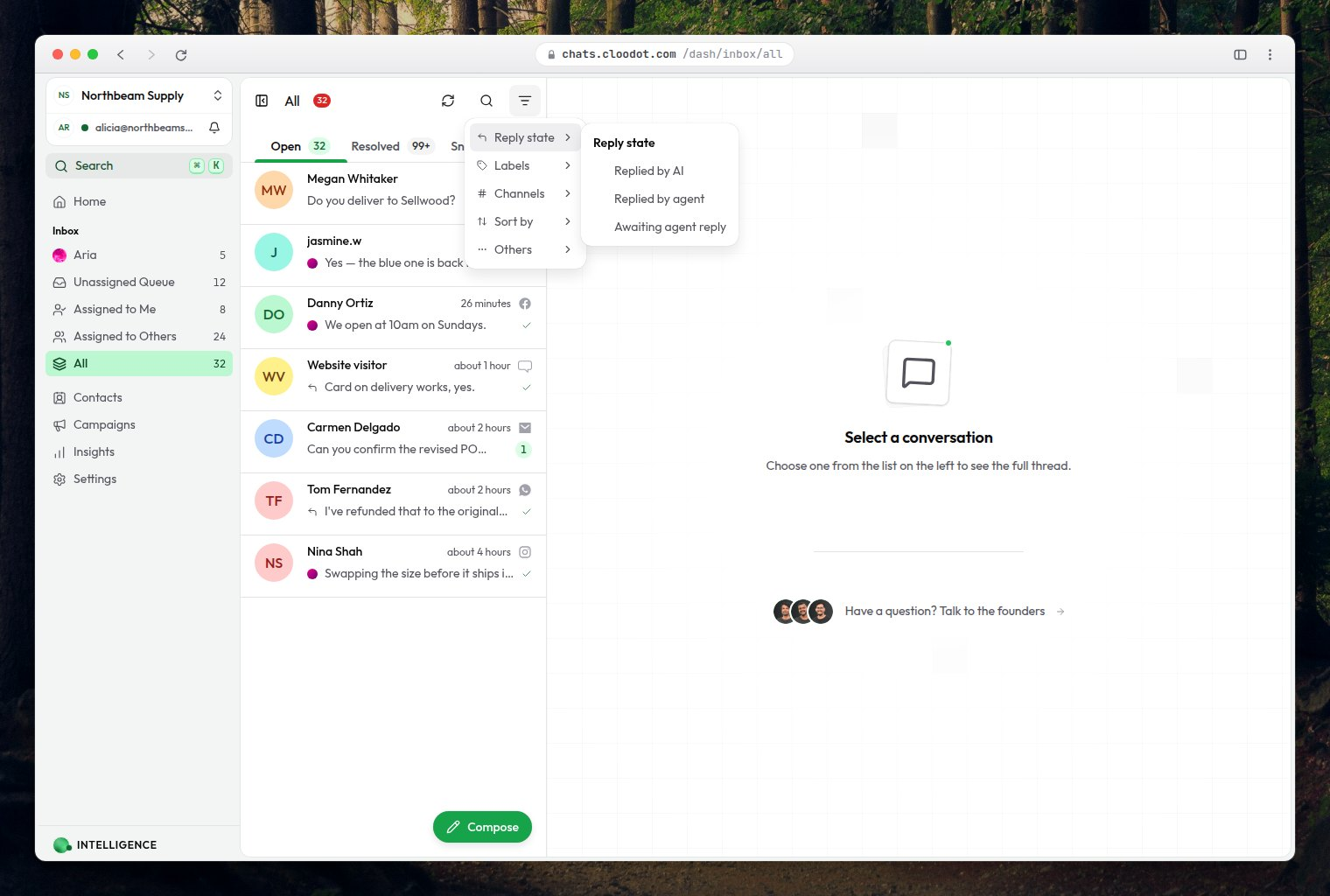
Filter chats awaiting agent reply and blocked chats
Two filters worth pinning: the threads waiting on a human, and the ones blocked on something else.
Watch on YouTube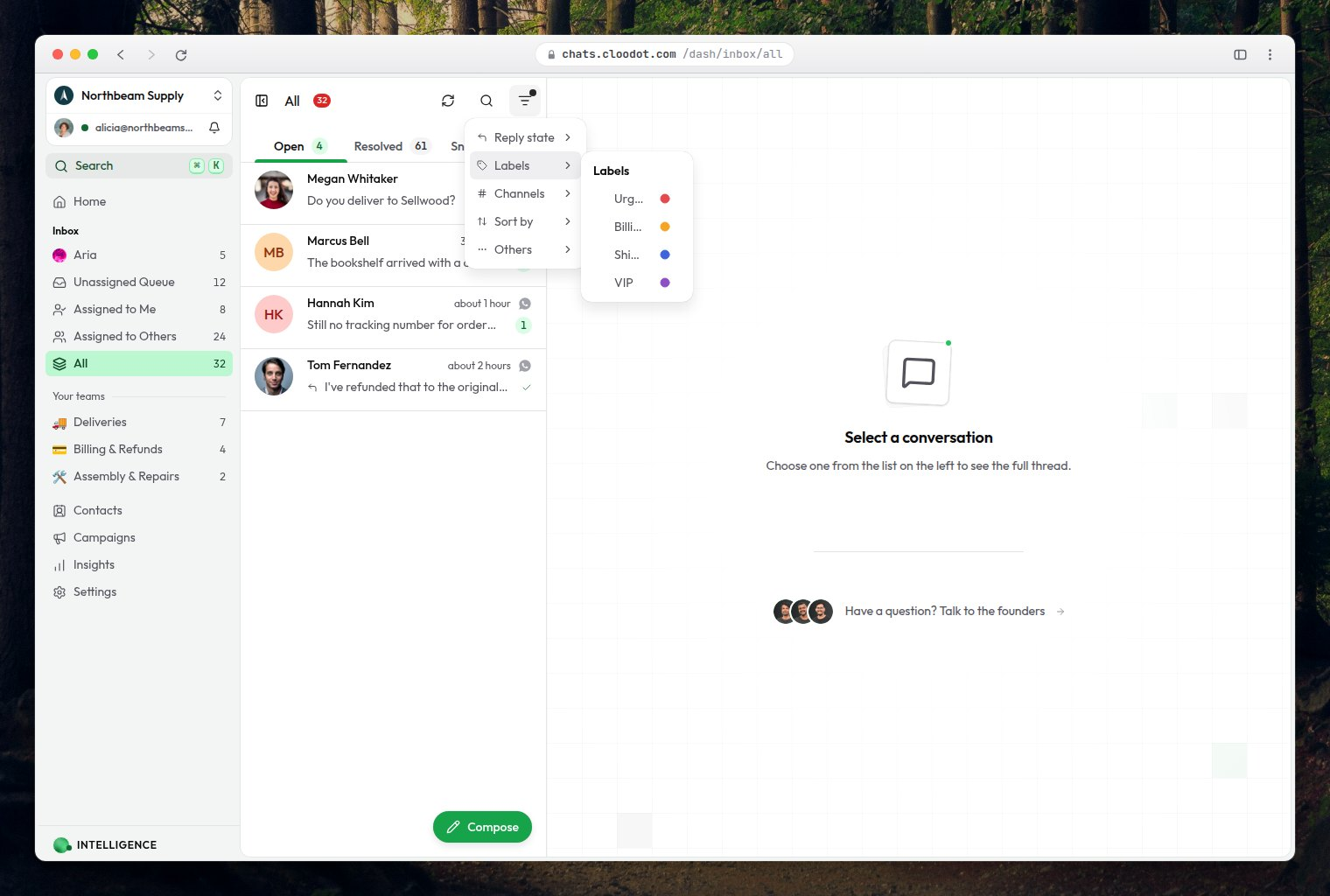
Find the right chats in your inbox: assignee, team, channel and label
Narrow the inbox by who a chat is assigned to and which team has it, then stack channel and label filters and sort oldest first.
Watch on YouTube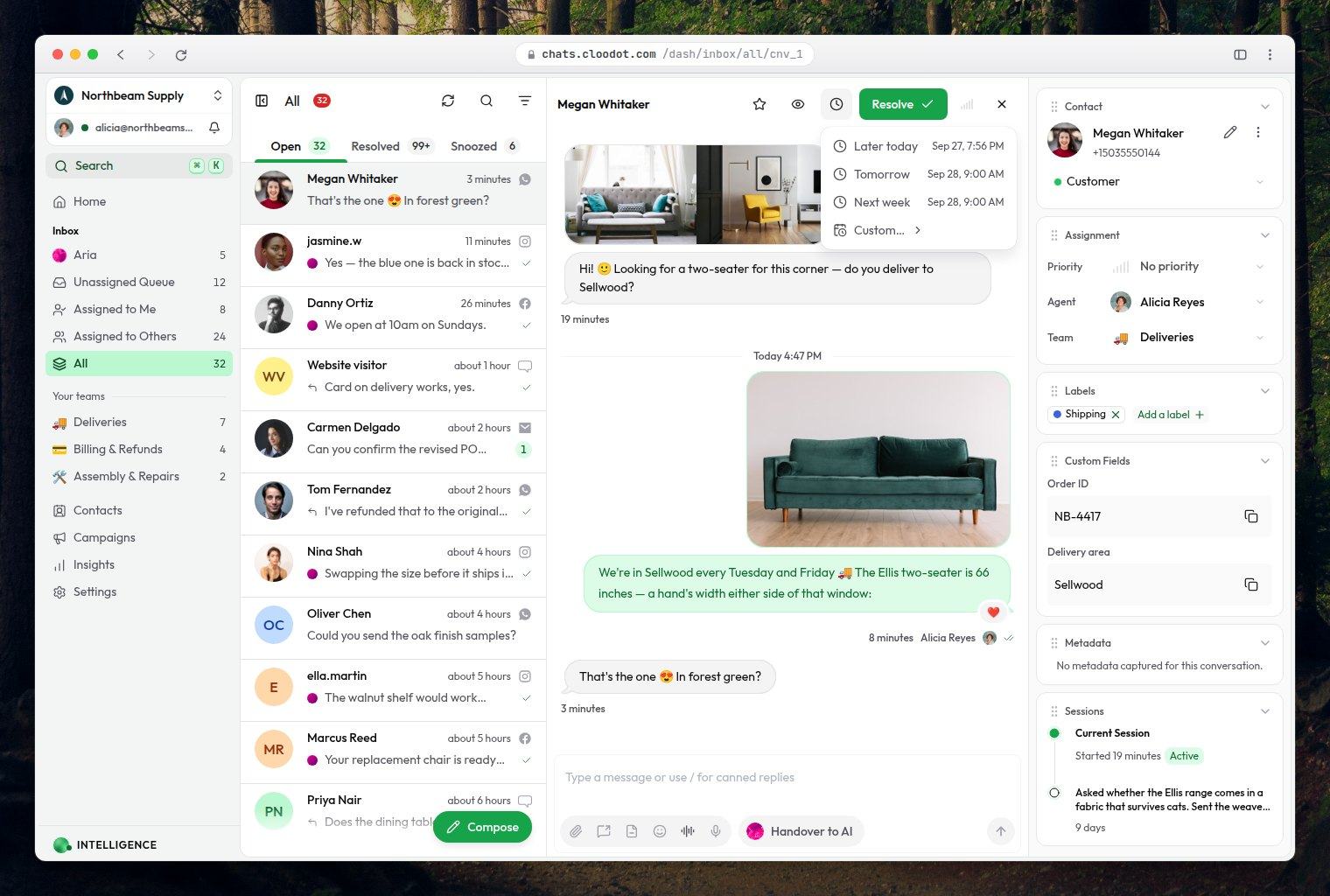
Snooze a chat
Put a conversation down until a time you choose, and have it come back to the top of the tray then.
Watch on YouTube
AI & MCP
Wire Cloodot into Claude over MCP, then run your workspace and your knowledgebase from the chat window.
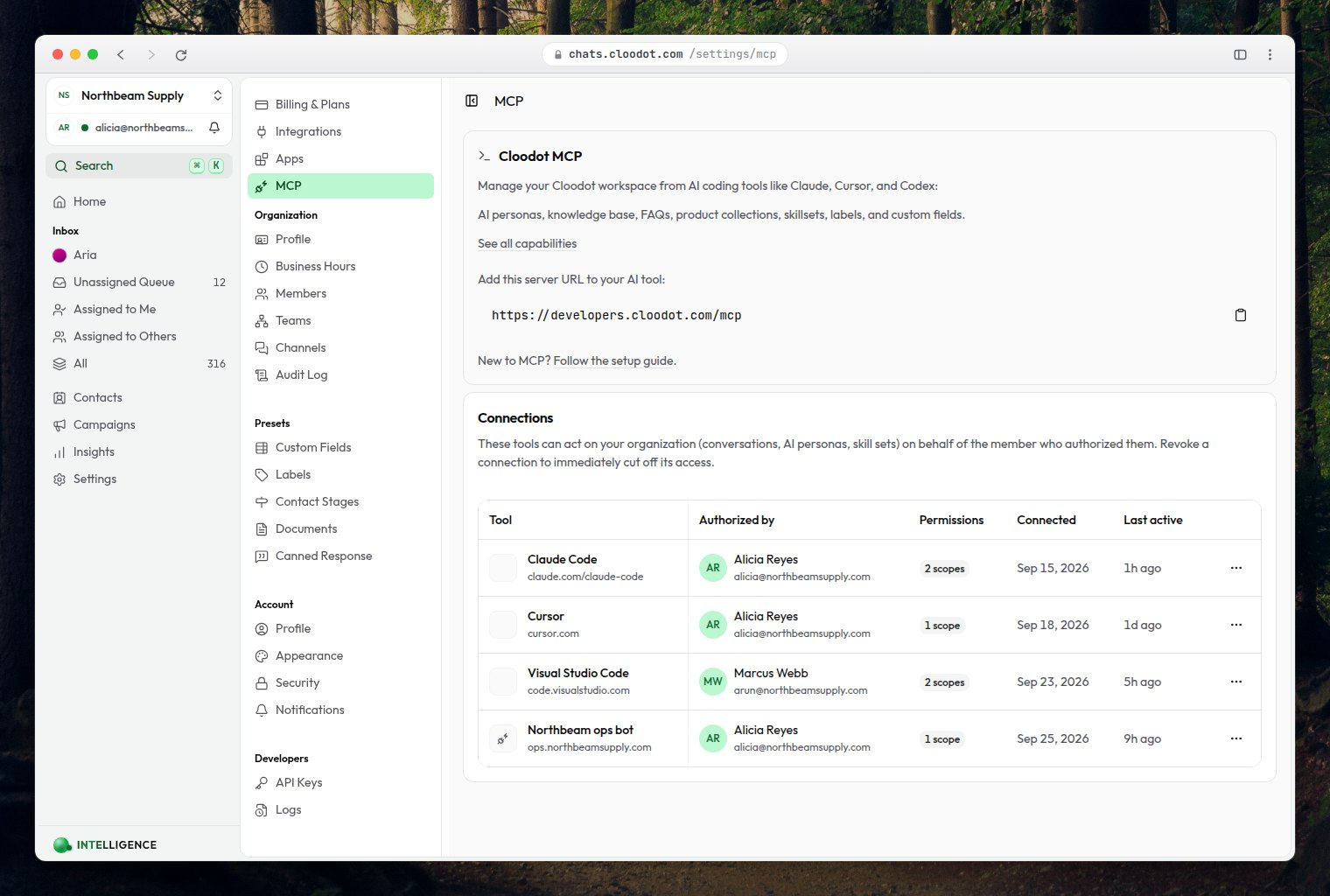
Connect Cloodot MCP to Claude — step by step
Add Cloodot as a connector in Claude over MCP, so Claude can work inside your workspace. OAuth only — no keys in a config file.
Watch on YouTube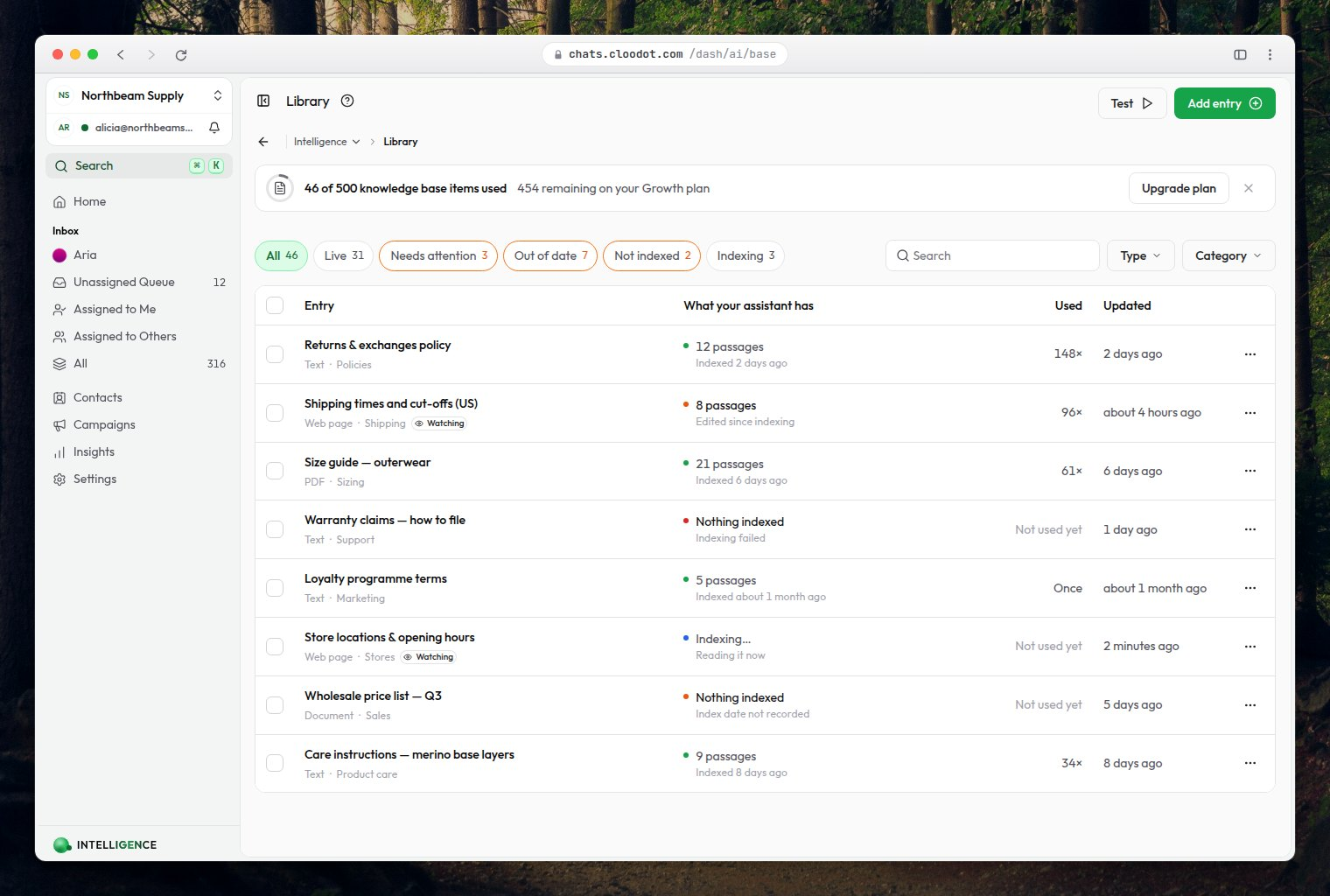
Use Claude to update the AI knowledgebase — MCP setup guide
The longer walkthrough: read conversations, edit the knowledgebase, and run the rest of your workspace from Claude.
Watch on YouTube
New videos land on the channel first.
Subscribe and the next walkthrough shows up the day it is cut. Want one on something we haven't covered? Ask — the list is built from what people actually get stuck on.
Stop watching. Start replying.
Every screen in these videos is a workspace you can have running this afternoon — your channels, your docs, your tone, answering customers while you read this.
No credit card required · 7-day free trial